MMEX Sync (Sidecar Architecture)



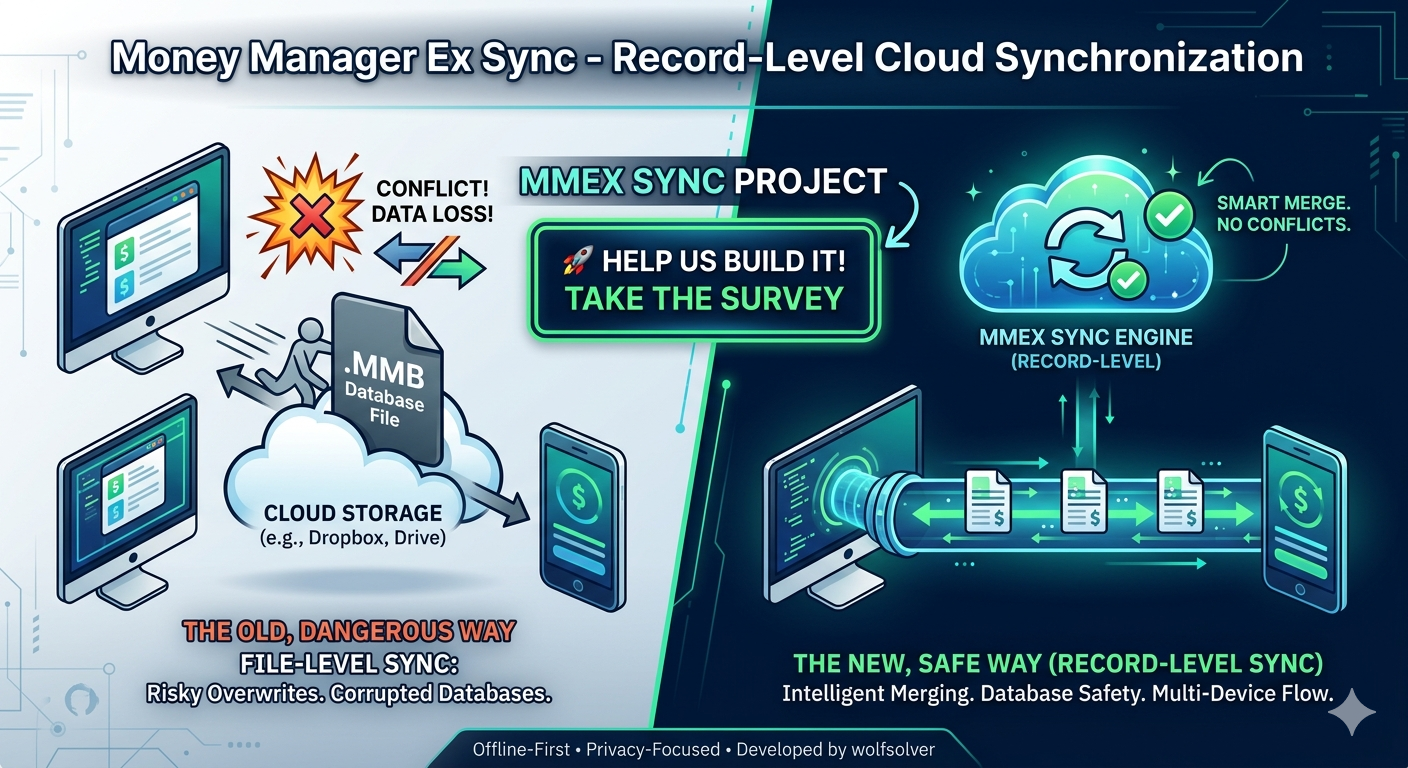
Welcome to the non-intrusive, “Offline-First” synchronization system for Money Manager Ex (MMEX). It enables seamless multi-device sync (Windows ↔ Cloud ↔ Android) without requiring any modifications to the core MMEX desktop C++ source code.
📺 Demo Video (Windows & Android)
See the synchronization engine in action below:
⚠️ IMPORTANT: Disclaimer & Warnings
[!WARNING] This is a Proof of Concept (POC). This software is provided for testing and educational purposes only. It is NOT intended for use with real or production financial databases.
- No Warranty: This code is provided “as is” without any warranty of any kind.
- Liability: The authors decline any responsibility for data loss, database corruption, or financial discrepancies resulting from the use of this software.
- Safety First: Always use a copy of your database (e.g.,
sample_db.mmb) for testing purposes.
💡 Project Pillars
| Concept | Description |
|---|---|
| Sidecar Approach | The engine operates as an external process. It monitors your local SQLite database and syncs data with the PocketBase backend transparently. |
| Zero Impact | Utilizes SQLite Triggers (via pb_is_dirty flags) without needing to recompile or alter the MMEX desktop application. |
| 3-State Protocol | Protection against infinite synchronization loops through a three-state logic: Synced, Local Change, or Cloud Ingress. |
🌐 Server Hosting Options
The Sync Engine requires a PocketBase backend to coordinate data across devices. You have two options:
- Community Shared Server (Easiest): Request access to the unofficial test shared instance hosted at mmex-sync.prudenzano.org.
- Control Panel: A self-service portal is available at mmex-sync.prudenzano.org/selfservice/ where you can manage your sync data (export data, clear sync data, or completely delete your account).
- Self-Hosted Server (Privacy & Control): Deploy your own PocketBase instance on a VPS, Docker, or Raspberry Pi using the schemas available in the
pb_schema_selfhost.jsonfile.
🕹️ Quick Start Guide
For a detailed step-by-step setup procedure (including Android synchronization), please refer to the Sync Setup Guide. To keep your installation up to date, read the Auto-Update Guide.
[!NOTE] Case-insensitivity: All command-line parameters are case-insensitive (e.g.,
--CHECKFORUPDATE,--DB,--verbosework interchangeably). Parameter values (e.g., passwords or file paths) remain case-sensitive.
First Setup
On the first launch, the program will interactively guide you to configure your credentials and database path:
mmex-sync
Daily Workflow Modes
The following commands automatically manage the lifecycle of the Money Manager Ex application for you:
mmex-sync --run(The “Sandwich” Sync): Performs an initial Sync (Pull/Push) ➡️ Launches MMEX and waits for closure ➡️ Performs a final Sync after you close it.mmex-sync --watch(Real-Time Sync): Performs an initial Sync ➡️ Launches MMEX in the background ➡️ Continuously monitors and instantly syncs any local or remote changes.
To set a default mode so you can run the tool by simply typing mmex-sync:
mmex-sync --setDefaultMode=run # Or watch
🆙 Auto-Update Commands
- Check for Updates:
mmex-sync --checkForUpdate - Download & Install Update:
mmex-sync --autoDownloadUpdate
For more details on the update mechanism, see the Auto-Update Guide.
Manual Synchronization (Without interface)
- Full Cycle:
mmex-sync --sync - Download Only (Pull):
mmex-sync --sync=pull - Upload Only (Push):
mmex-sync --sync=push - Force Sync:
mmex-sync --sync --force(Processes all records regardless of timestamps).
🧹 Maintenance Commands
mmex-sync --clearDb: Removes all technical columns and triggers from the local DB, restoring it to a standard MMEX database.mmex-sync --clearServer: Wipes all data from the PocketBase collections (while keeping your admin user accounts intact).
📋 POC Access Request & Feedback
- Want to test the synchronization? Fill out the Access Request Form to obtain a dedicated test account on the shared server.
- Help us improve: Take 2 minutes to complete our survey and help us refine the sync protocol.
Before requesting access, please make sure you have read and agreed to our Privacy Agreement.